The best artwork for custom yard signs is a vector logo file, exact brand color references and a clear list of the words or names to print. Get Custom Yard Signs turns whatever you send into a free mockup within 24 hours, flags weak files before printing, and charges nothing until you approve the design.
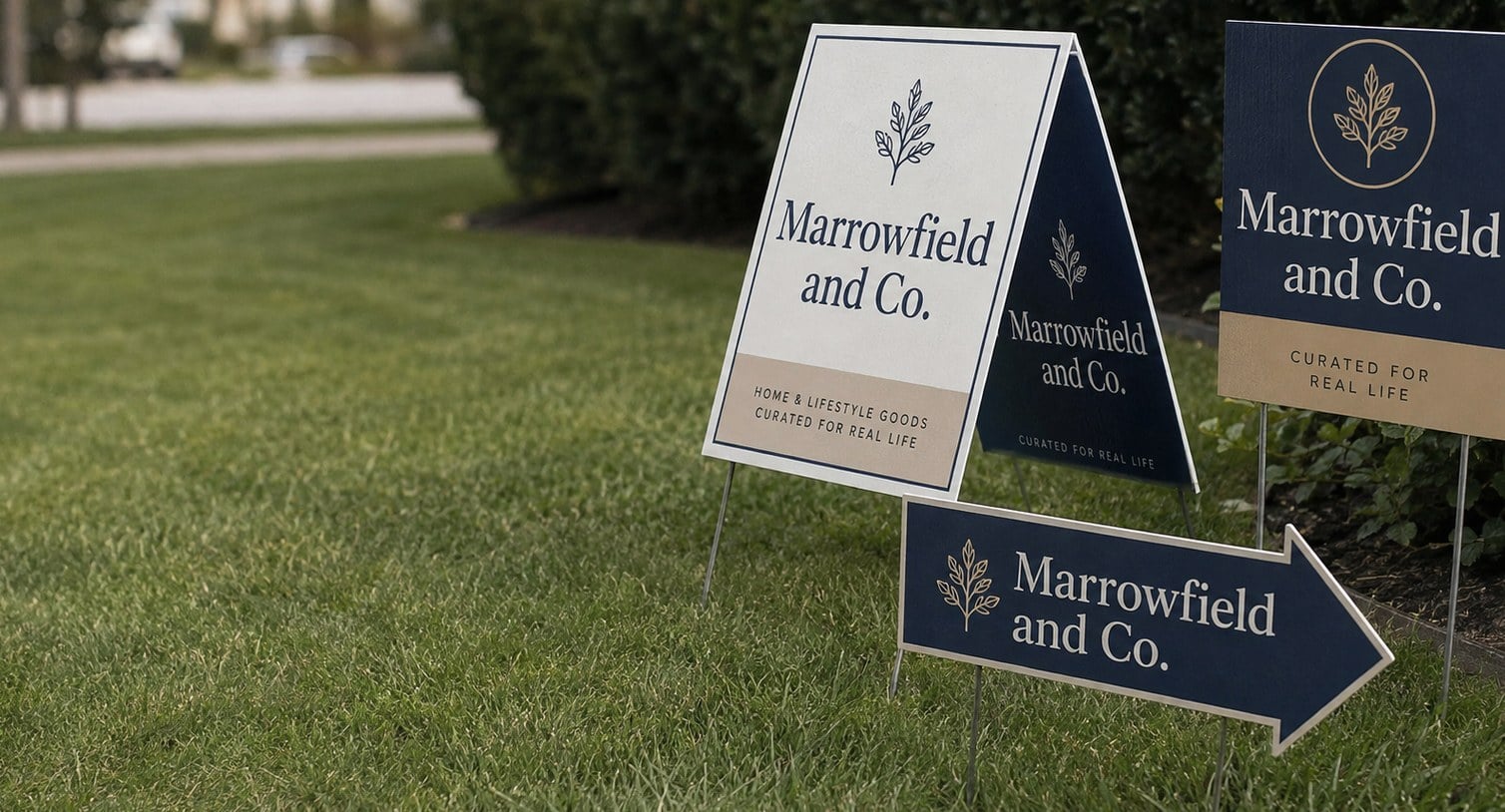
- Vector files (AI, EPS, SVG or vector PDF) give the sharpest yard sign print.
- A free mockup arrives within 24 hours, with unlimited free revisions.
- Nothing is paid until you approve the design.
- Personalized and double-sided yard signs are set up from one layout and one list.
- Minimum order is 12; standard turnaround is about 2 weeks after approval.
What artwork file should you send for custom yard signs?
The best artwork file for custom yard signs is a vector file: an AI, EPS, SVG or vector PDF of your logo, with fonts converted to outlines. Vector art scales to the full face of a yard sign without blurring, so edges stay crisp when people read the sign from the street. Get Custom Yard Signs can work from other files too, but vector art gives the cleanest print with the fewest questions.
If you are not sure what you have, look at where the file came from. Logos built by a designer or a print shop usually exist in vector form somewhere, even if you only have a JPG in your inbox. Ask the person who made the logo for the original working file, or check your brand folder for files ending in AI, EPS or SVG.
A PDF can be either vector or a flattened picture. Zoom in hard on the logo: if the edges stay smooth, the PDF is vector. If they turn into a staircase of squares, the PDF is just a photo of the logo wrapped in a PDF.
- Best: AI, EPS, SVG or vector PDF with outlined fonts.
- Workable: a large, high-resolution PNG with a transparent background.
- Needs help: a small JPG, a screenshot, or a logo copied from a website or social profile.
Can a low-resolution logo still print well on a yard sign?
A low-resolution logo usually cannot print well on a yard sign as-is, because a yard sign enlarges the logo far beyond the size it was saved at. A logo pulled from a website header or an email signature looks fine on a screen but turns fuzzy, jagged or blotchy once it fills a corrugated plastic sign face.
The good news is that a weak file rarely stops an order. When Get Custom Yard Signs receives a logo that will not hold up at sign size, the design team flags it on the free mockup instead of printing it blindly. From there you have three options:
- Find the original vector file from your designer, sign shop or brand kit.
- Send the largest version you can find so the team can judge whether it will hold.
- Ask for the logo to be redrawn as clean vector art for the sign layout.
Simple logos with bold shapes and flat colors are the easiest to rebuild. Detailed crests, photos inside logos and fine gradients take more care, so mention them early. Fixing the file once also pays off later, because the clean version can be reused on the next round of yard signs, banners or shirts.
How should you handle colors so yard signs match your brand?
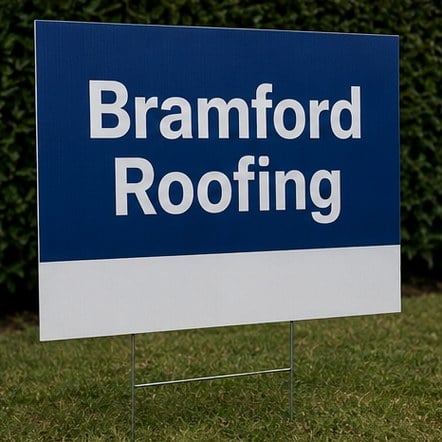
Yard signs match your brand most closely when you send exact color references with the artwork, such as Pantone numbers or the CMYK values from your brand guide. Screens show color with light while yard signs are printed with ink on white corrugated plastic, so a color that glows on a phone can print slightly darker or flatter on the sign.
If you have a brand guide, attach the page that lists your colors. If you do not, name the colors in plain words on your quote request, like “the deep navy from our truck wrap”, and the mockup becomes the place to confirm them. Get Custom Yard Signs shows the colors on the mockup so you can request changes before anything prints, with unlimited free revisions.
Contrast matters more than an exact shade on a yard sign. A sign is read from a car at a distance, so a mid-gray on a light-gray background disappears even if both colors are perfectly on brand. Pair dark text with a light field or light text with a dark field.
| What you have | What to send |
|---|---|
| Brand guide with Pantone or CMYK | The color page, plus the vector logo |
| Only HEX or RGB web colors | The values, and a note that they come from your website |
| No color references at all | A photo of something already printed in your colors |
What should you check on the yard sign mockup before you approve it?
Before you approve a yard sign mockup, check spelling, phone number, web address, logo version, colors and which side each design prints on. The mockup is the final picture of what will be printed, and Get Custom Yard Signs does not charge anything until you approve the design, so this is the moment to catch every mistake.
Read the sign out loud, slowly, word by word. Errors hide in the parts people stop reading, like a transposed digit in a phone number or a missing letter in a street name. Then hand the mockup to someone who did not write the copy and ask them to read it back to you.
- Contact details: dial the phone number and type the web address to confirm both work.
- Logo: confirm it is the current version, not an older one from a past rebrand.
- Sides: on double-sided yard signs, confirm whether both sides match or carry different art.
- Personalized fields: on name or address signs, check every row, not just the first one.
- Edges: make sure nothing important sits tight against the border of the sign.
The free mockup arrives within 24 hours of your request. Take the extra minutes to review it with care, because a reprint costs far more time than a careful second read.
How do you set up different artwork for each side or each sign?
Different artwork on each side of a yard sign, or different names on each sign in a run, is set up by sending one master design plus a clear list of what changes. Get Custom Yard Signs prints double-sided yard signs and personalized runs from a single order, so the artwork stays consistent while the details vary.
For double-sided signs, the simplest choice is identical art on both faces, which lets drivers coming from either direction read the same message. Some buyers use the second side for something else, such as English on one face and Spanish on the other, or an arrow pointing left on one face and right on the other for event directions. Label your files clearly as front and back so there is no confusion.
For personalized signs, send a spreadsheet with one row per sign and one column per field: name, number, address, or office. Keep the fields short, because a long name has to shrink to fit the same space.
- Send one layout file and one spreadsheet, not dozens of separate files.
- Use the exact spelling and capitalization you want printed.
- Note the quantity of each version if some names need more than one sign.
The single-sided vs double-sided guide covers when the second side earns its place.
Which artwork mistakes cause the most yard sign reprints?
The artwork mistakes that cause the most yard sign reprints are typos in contact details, outdated logos, text that is too small or too thin, and important elements placed too close to the edge. Each one is easy to fix on a mockup and frustrating to discover after a full run of yard signs has been staked across town.
Thin, script and light-weight fonts are a common trap. They look elegant on a laptop but vanish at roadside distance, especially on a sign that is partly shaded by a hedge. Pick a bold, plain typeface for the words that matter most and save decorative type for small accents, if you use it at all.
Edge crowding is the other big one. Yard signs slide onto H-stakes through the flutes at the bottom, and the area near the edges is where scuffs and grass stains show up first. Keep phone numbers, web addresses and logos comfortably inside the border.
- Typos in a phone number, email or web address.
- An old logo pulled from a past project folder.
- Fine print, thin fonts or low-contrast colors.
- Text or logos tucked into the corners and edges.
- Approving one personalized proof without checking the full list.
For the bigger layout questions, such as how many words a sign can carry, see the existing design post on the Get Custom Yard Signs blog.
Do you need a designer before ordering custom yard signs?
You do not need a designer before ordering custom yard signs from Get Custom Yard Signs. The design team builds the layout from your logo, your message and any notes you send, then returns a free mockup within 24 hours. Many buyers start with nothing more than a rough sketch on paper or a photo of an older sign they liked.
What helps most is a short, clear brief. Tell the team who the sign is for, where it will stand, and the one action you want a passer-by to take, whether that is calling, visiting a website or turning into a parking lot. That context decides how big the phone number should be and whether the logo or the message leads.
- Your logo file, in the best format you can find.
- The exact words, including any phone number or web address.
- Brand colors, or a photo of something in your colors.
- Whether you need single-sided or double-sided yard signs.
- Quantity, starting from a minimum of 12, and the date you need them.
Send those through the quote form. Standard turnaround is about 2 weeks after approval, with faster turnaround available through express shipping. The how it works page walks through each step from request to delivery.
Frequently asked questions
Can I send a Canva design as artwork for my yard signs?
Yes, a Canva design works as yard sign artwork when you download it as a print PDF at the largest size available. Get Custom Yard Signs checks the file on the free mockup and flags any part that looks soft at sign size. Photos and low-resolution elements inside the Canva layout are the usual weak spots, so mention them when you submit your quote request.
What does it mean to outline fonts on a yard sign file?
Outlining fonts on a yard sign file turns each letter into a shape, so the text prints exactly as designed even if the printer does not have your typeface installed. Get Custom Yard Signs prefers outlined vector files for that reason. If you cannot outline the fonts yourself, simply name the fonts you used and the design team will match or substitute them on the mockup.
Can I use a logo I downloaded from my company website on yard signs?
A logo saved from a website is usually too small for yard signs, because web images are sized for screens rather than large printed panels. Get Custom Yard Signs will review it, but expect the mockup to flag blurry edges. Ask your web designer or marketing team for the original vector logo, or request that the design team redraw the mark as clean vector art.
Can yard signs print an exact Pantone color?
Yard signs can be printed to closely match a Pantone reference, and sending the Pantone number with your artwork gives the design team the most accurate target. Get Custom Yard Signs shows the colors on the mockup, but remember that screens and printed corrugated plastic never look identical. If brand color is critical, mention it on the quote request so the team can advise before printing.
How do I put a photo of a home or a person on a yard sign?
A photo on a yard sign should be the original, full-size file straight from the camera or photographer, never a screenshot or a social media copy. Get Custom Yard Signs places the photo on the free mockup so you can judge its sharpness. Bright, simple photos with a clear subject read best from the street, while busy backgrounds tend to blur at a distance.
Should a QR code go on a custom yard sign?
A QR code on a custom yard sign works when people will be walking past or standing nearby, like at an open house, a church entrance or a school event. Drivers cannot scan a code from a moving car, so keep a short web address or phone number on the sign as well. Get Custom Yard Signs can generate and test the code on your mockup.
Can the design team recreate my logo if I have no file at all?
Yes, the yard signs design team can rebuild a logo from a photo of an existing sign, a business card or a vehicle graphic when no file exists. Get Custom Yard Signs shows the redrawn logo on the mockup for your approval. Simple marks with bold shapes rebuild cleanly, while detailed crests or illustrated logos take more back-and-forth to get right.
Can I reuse my approved yard sign artwork for a future reorder?
Approved yard sign artwork can be reused for a reorder, which saves review time when you need more signs for a new season or a new location. Keep the final approved mockup and mention it when you request the next quote from Get Custom Yard Signs. Small updates, such as a new phone number or date, can be made on the same layout before reprinting.
Will white text print on a dark background yard sign?
White text on a dark background prints well on yard signs and often reads more clearly from the road than dark text on white. The background color is printed around the letters, leaving the white areas bright and sharp. Keep the white text bold and reasonably large, because thin light lettering on a dark field can fill in and lose definition at a distance.
How should I send a list of names for personalized yard signs?
Personalized yard signs work best when you send the names in a spreadsheet, with one row per sign and one column for each field that changes. Get Custom Yard Signs uses that list to build every version from a single layout. Check capitalization and spelling against an official roster, and add a column for quantity if some names need more than one sign.
Can I print a different language on each side of a yard sign?
Double-sided yard signs can carry a different language on each face, such as English on the front and Spanish on the back. Get Custom Yard Signs sets both sides from one shared layout so the logo, colors and contact details stay consistent. Have a fluent speaker check the translated side on the mockup before you approve, since spelling and accents matter.
Who catches artwork problems before my yard signs are printed?
The Get Custom Yard Signs design team reviews every yard signs file and flags low-resolution logos, missing fonts or crowded edges on the free mockup before printing. You still give the final approval, and nothing is charged until you do. Treat the mockup as a joint check: the team looks at print quality, and you confirm the wording, contact details and names.
Get a free mockup for your yard signs
Send your logo or idea and the quantity you have in mind. Get Custom Yard Signs returns a free mockup within 24 hours, you approve the design before anything is produced, and standard turnaround is about two weeks with faster options available. Get a custom quote.